GuideIntermediate
Claude Code & MCP: Building Custom Integrations
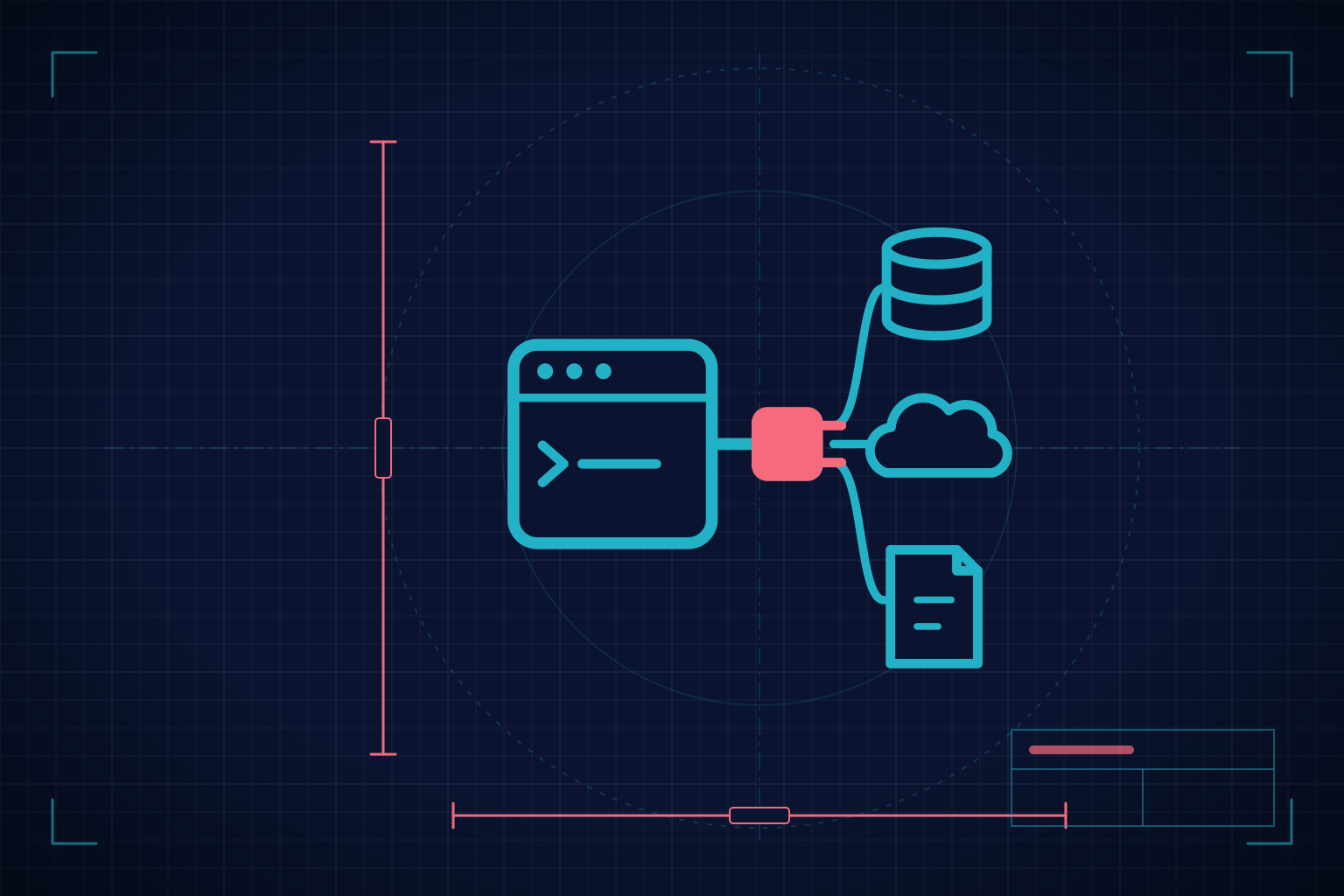
Extend Claude Code's capabilities by building your own MCP servers. The Model Context Protocol is the "USB-C of AI": a standard protocol that turns any API, database, or service into a tool Claude Code can use natively. In this guide you build MCP servers with the official TypeScript and Python SDKs (`MCPServer` from the Python SDK 2.x), connect them over stdio and Streamable HTTP, create MCP Apps with interactive UI, and finish with a production-ready server connected to real data. It covers the two startup forms that coexist today: the classic handshake and the stateless 2026-07-28 revision. SDK and protocol data as of October 2026.
- lessons
- 42
- modules
- 8
- available in
- English · Spanish
- certificate
- Yes
- access
- Free
What you'll be able to do
- What MCP is and why it's the "USB-C of AI": the standard protocol for integrations
- The Host-Client-Server architecture and how data flows between Claude Code and your server
- The 3 primitives: Resources (data), Tools (functions), Prompts (templates)
- Build MCP servers in TypeScript with `@modelcontextprotocol/sdk` 1.x and `registerTool`, and move them to v2 (`@modelcontextprotocol/server`)
- Build MCP servers in Python with the official `mcp` 2.x SDK and `MCPServer`
- Choose a transport: stdio for local, Streamable HTTP for remote
- MCP Apps: tools that return interactive UI (dashboards, forms)
- Testing and debugging with the MCP Inspector and test suites
- Configure MCP servers in Claude Code: local, project (`.mcp.json`), and user scopes, variables, and permissions
- Project: a complete MCP server connected to a real API/database
What you need to bring
Requirements and materials
- Having completed [Claude Code Foundations](https://nieva.team/en/courses/claude-code-foundations-guide) (using Claude Code and existing MCP servers)
- Recommended: [Testing with Claude Code](https://nieva.team/en/courses/testing-with-claude-code-guide), because modules 5 and 7 use pytest
- Basic experience with TypeScript or Python
- Familiarity with REST APIs
- Comfortable with the terminal/CLI
- Claude Code installed and configured
The syllabus, module by module
Open any of them to see its lessons.
What people usually ask
No limit. It's a free guide: come in whenever you like, as often as you like.
No. Modules run from easier to harder, but you can jump to the one you need. Progress is saved per lesson.
Whatever is needed is listed under “What you need to bring”, above. If nothing is listed there, you can start from zero.
In the WhatsApp group, and every two weeks there's a live with an instructor where questions get worked through.
Yes. When you finish every lesson you get a statement of completion. Pass the guide's certification exam and it becomes a certificate, with a verifiable code you can share on LinkedIn.
Start whenever you like
What students say
These reviews are from enrolled students who completed at least 50% of the course. We moderate reviews only on content grounds (spam, offensive language, personal data), never for being critical or negative.
No approved reviews yet.
Be the first to share your experience!