GuideIntermediate
Advanced Claude Code Workflows
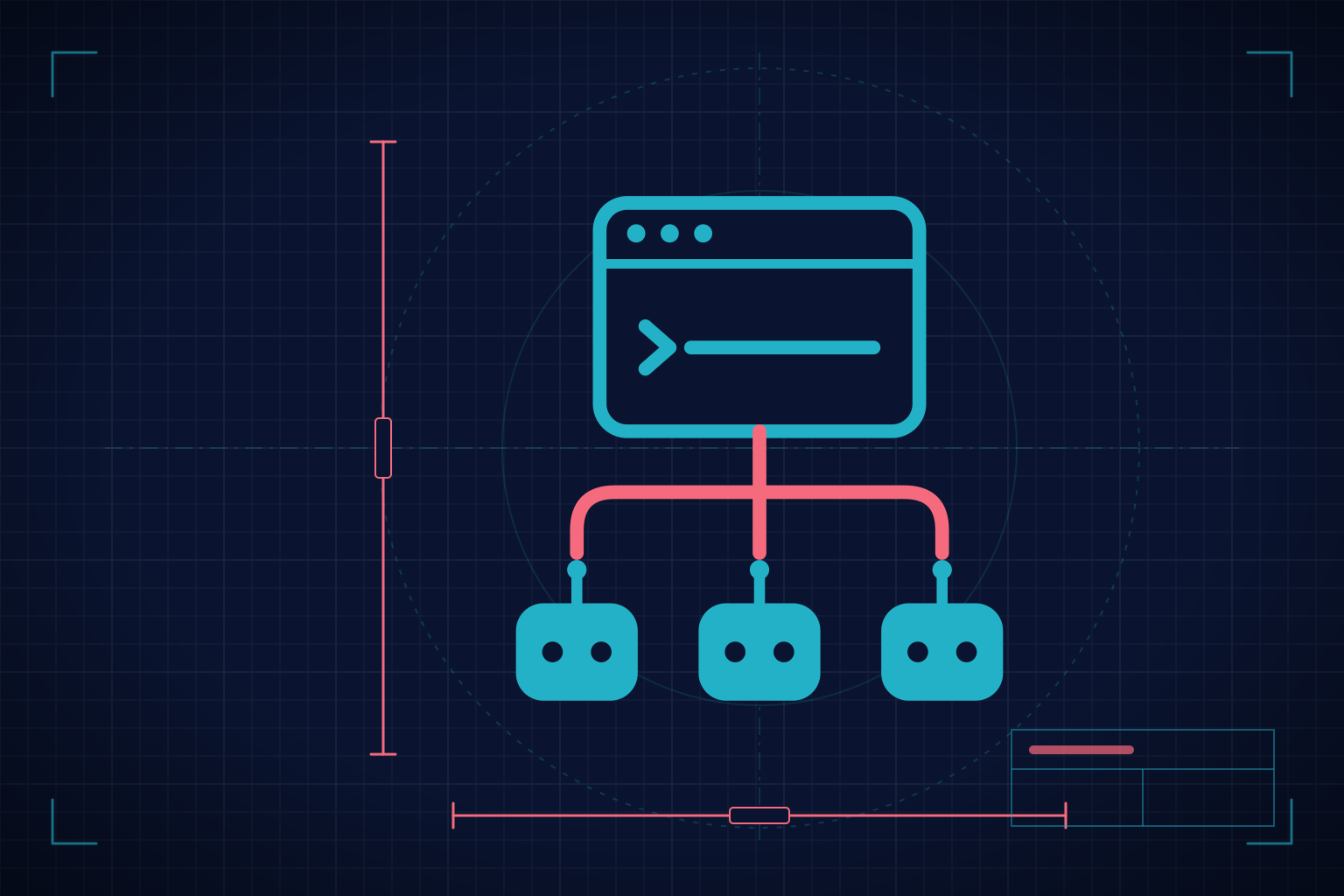
Master advanced Claude Code orchestration. This guide takes you beyond individual use: create custom subagents with specialized roles and persistent memory, delegate in parallel within a session, coordinate Agent Teams with a shared task list, build plugins that package skills, agents, hooks, and MCP servers, automate workflows with `claude -p` and the Claude Agent SDK from Python and TypeScript, and follow your sessions from your phone with Remote Control. You also establish CLAUDE.md as your team's standard: the constitution that defines how your agents operate. 8 modules, 3 phases, and a capstone project where several agents work in coordination on a real project.
- lessons
- 42
- modules
- 8
- available in
- English · Spanish
- certificate
- Yes
- access
- Free
What you'll be able to do
- Create custom subagents with their own roles, tool restrictions, and system prompts
- Give them persistent memory with the `memory` field (`user`, `project`, `local`) for context across sessions
- Delegate tasks to several subagents in parallel and combine their results
- Operate Agent Teams: lead, teammates, shared task list, dependencies, and messages
- Build plugins and distribute them through your own marketplace
- Automate workflows with advanced hooks: SessionStart, PreToolUse, PostToolUse, TeammateIdle, TaskCompleted
- Use `claude -p` and the Claude Agent SDK from Python and TypeScript for automation
- Follow and answer local sessions from another device with Remote Control
- Establish CLAUDE.md as a shared team constitution
What you need to bring
It's for you if...
- Developers who already master Claude Code and want to scale to multi-agent orchestration
- Tech leads establishing Claude Code as a standard tool on their team
- Engineers who want to automate complex workflows with `claude -p` and the Agent SDK
- Developers building internal tooling with Claude Code plugins
- Teams that need to standardize how their agents operate with a shared CLAUDE.md
Requirements and materials
- Completed Claude Code Foundations (or equivalent experience with CLAUDE.md, basic hooks, and subagents)
- Real experience using Claude Code on projects (not just demos)
- Basic knowledge of Node.js/npm and Python or TypeScript (for the automation scripts)
- A plan with Claude Code (Pro, Max, Team, or Enterprise) or an API key; Remote Control requires a claude.ai login
The syllabus, module by module
Open any of them to see its lessons.
- 1. Module Introduction: From Local Configurations to Distributable Plugins
- 2. Anatomy of a Plugin: Agents, Skills, Hooks, and MCP Servers
- 3. Creating a Plugin from a Scaffold: Structure, Manifest, and Local Testing
- 4. Marketplaces and Versioning: Loading, Installing, and Updating Plugins
- 5. Project: Complete Code Quality Plugin
- 1. Module Introduction: Hooks as the Nervous System, the SDK as Programmatic Control
- 2. SessionStart and Advanced PreToolUse: Automatic Setup and Validation
- 3. PostToolUse, Subagent Events, and Stop: React, Track, and Close
- 4. Claude Code from Python: `claude -p` as an Invocable Service
- 5. Claude Code from TypeScript: `claude -p` and the Agent SDK in Node.js
- 6. Project: Automated Workflow with Hooks + SDK End-to-End
- 1. Module Introduction: Remote Control and CLAUDE.md as the Team Constitution
- 2. Remote Control: Setup, Sessions, and Control from Mobile Devices
- 3. Remote Approval Flows: Approval Gates for Sensitive Operations
- 4. CLAUDE.md for Teams: Structure, Merge, and Enforcement
- 5. Project: Team Setup with a Standard CLAUDE.md and Remote Control
- 1. Introduction and Architecture: Complete Multi-Agent System
- 2. Team Configuration: 5 Agents, Plugin, Hooks, CLAUDE.md
- 3. Execution: Task Board, Parallel Delegation, Quality Gates
- 4. Monitoring: SDK for Observability, Remote Control for Approvals
- 5. Retrospective: Analysis, Optimization, and Closing the Guide
What people usually ask
No limit. It's a free guide: come in whenever you like, as often as you like.
No. Modules run from easier to harder, but you can jump to the one you need. Progress is saved per lesson.
Whatever is needed is listed under “What you need to bring”, above. If nothing is listed there, you can start from zero.
In the WhatsApp group, and every two weeks there's a live with an instructor where questions get worked through.
Yes. When you finish every lesson you get a statement of completion. Pass the guide's certification exam and it becomes a certificate, with a verifiable code you can share on LinkedIn.
Start whenever you like
What students say
These reviews are from enrolled students who completed at least 50% of the course. We moderate reviews only on content grounds (spam, offensive language, personal data), never for being critical or negative.
No approved reviews yet.
Be the first to share your experience!